

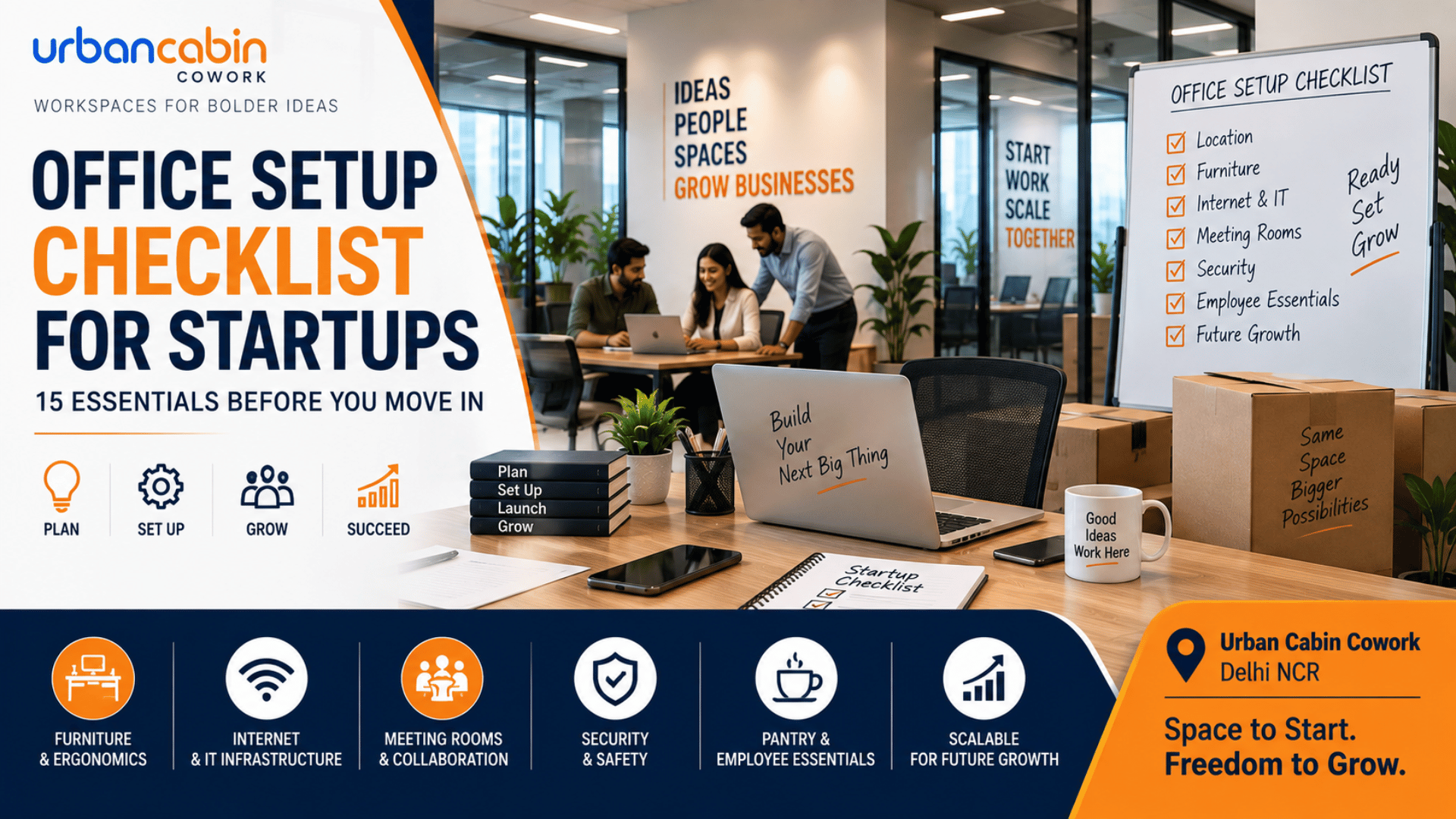
Office Setup Checklist for Startups
Office Setup Checklist for Startups: 15 Essentials Before You Move In
Setting up a first office involves much more than choosing desks and chairs. A practical office setup checklist for startups should cover location, budget, workspace planning, furniture, internet, IT infrastructure, meeting facilities, security, employee comfort, and future growth.
The best startup office setup is functional, scalable, and ready for day-one operations without unnecessary spending. Planning the layout and infrastructure before purchasing furniture or equipment can also prevent expensive changes later.

What Should Be Included in a Startup Office Setup?
A complete startup office setup should include:
- Suitable office location
- Workspace and seating plan
- Desks and ergonomic chairs
- Reliable internet and Wi-Fi
- Computers and essential IT equipment
- Meeting and collaboration areas
- Storage
- Security
- Power backup
- Lighting and ventilation
- Pantry and employee essentials
- Emergency and office policies
- Room for future expansion
Office Setup Checklist for Startups: 15 Essentials
1. Choose the Right Office Location
Consider employee commute, client accessibility, public transport, parking, business ecosystem, and your business address before selecting an office.
For startups in Delhi NCR, the right location can also depend on whether employees and clients are primarily based in New Delhi, Central Delhi, Gurugram, or nearby areas.
2. Set Your Office Setup Budget
Separate your budget into one-time and recurring costs.
One-time costs:
- Security deposit
- Furniture
- IT equipment
- Installation
- Branding
Recurring costs:
- Rent
- Internet
- Utilities
- Maintenance
- Cleaning
- Office supplies
Don’t compare offices based only on rent. A traditional office can also require furniture, IT infrastructure, fit-outs, and ongoing administration.
3. Calculate Current and Future Space Requirements
Estimate how many employees need workspace today and how many you expect over the next 12–24 months.
Consider:
- Workstations
- Private cabins
- Meeting rooms
- Collaboration areas
- Storage
- Hybrid work patterns
Plan for growth rather than designing an office that becomes too small immediately after your next round of hiring.
4. Plan the Office Layout Before Buying Furniture
Create a floor plan before ordering desks or chairs.
Divide the office into:
- Workstations
- Meeting areas
- Quiet zones
- Collaboration spaces
- Reception
- Storage
- Pantry
Planning first helps you avoid buying furniture that doesn’t fit the space or support how your team works. Modular furniture can also make future changes easier.
5. Choose Ergonomic Desks and Chairs
Your core furniture should include workstations or desks and supportive office chairs.
Look for:
- Appropriate desk height
- Adjustable chairs
- Lumbar support
- Suitable monitor positioning
- Cable management
- Adequate workspace
Ergonomics should be treated as a practical requirement rather than an optional upgrade, particularly for employees who spend most of their working day at a desk.
6. Set Up Reliable Internet and Wi-Fi
Internet connectivity is essential infrastructure for a modern startup.
Before moving in, confirm:
- Available internet providers
- Installation timelines
- Wi-Fi coverage
- Network equipment
- Backup connectivity
- Cabling requirements
Technology planning should happen before move-in because internet, cabling, power, and equipment locations can become expensive to change later.
7. Prepare Essential IT Equipment
Your startup office IT checklist may include:
- Laptops or desktops
- Monitors
- Keyboards and mice
- Headsets
- Printers/scanners where required
- Routers and networking equipment
- UPS or power backup
- Chargers and adapters
Choose technology based on employee roles. A designer, developer, accountant, and sales executive may have very different hardware requirements.
8. Create a Professional Meeting Space
A meeting room should support both internal discussions and external meetings.
Consider:
- Meeting table
- Comfortable chairs
- Display/screen
- Video-conferencing equipment
- Whiteboard
- Power and charging points
- Cable management
A dedicated meeting space can also reduce disruption when clients, investors, candidates, or partners visit the office.
9. Plan Storage and Document Management
Don’t underestimate storage.
Include:
- Lockable cabinets
- Personal storage
- Equipment storage
- Office supplies
- Document storage
For sensitive business information, combine physical storage controls with appropriate digital access and security practices.
10. Set Up Office Security
A startup office security checklist can include:
- Access control
- Visitor management
- CCTV where appropriate
- Device security
- Password policies
- Emergency contacts
- Fire-safety procedures
Physical and digital security should be planned together rather than treated as separate afterthoughts.
11. Plan Lighting, Ventilation and Comfort
A functional workspace needs suitable lighting, ventilation, temperature control, and noise management.
Where possible, consider:
- Natural light
- Appropriate task lighting
- Air conditioning or ventilation
- Comfortable temperature
- Acoustic solutions for noisy areas
The objective is simple: create a workspace employees can comfortably use throughout the working day.
12. Prepare Power Backup and Electrical Infrastructure
Before move-in, check:
- Number and location of power outlets
- UPS requirements
- Backup power
- Charging points
- Network equipment power
- Cable management
Power backup is particularly important for startups that depend heavily on internet connectivity and digital systems.
13. Arrange Pantry and Employee Essentials
Depending on your office setup, consider:
- Drinking water
- Pantry
- Coffee/tea facilities
- Refrigerator
- Microwave
- Waste bins
- Cleaning supplies
You don’t need an elaborate cafeteria on day one. Focus on the facilities employees actually need.
14. Prepare Office Policies and Emergency Procedures
Before opening, establish basic procedures for:
- Office access
- Visitors
- Meeting-room usage
- Equipment usage
- Emergency contacts
- Fire safety
- Workplace conduct
These simple systems become increasingly important as the team grows.
15. Plan for Future Growth
Your office should be capable of adapting as your startup grows.
Consider:
- Additional workstations
- Flexible seating
- Expandable private cabins
- More meeting capacity
- Additional storage
- Scalable IT infrastructure
The goal isn’t to build the biggest office possible; it is to create a workspace that can adapt to your next stage of growth.
What Technology Does a Startup Office Need?
| Category | Essentials |
| Connectivity | Business internet, Wi-Fi, backup |
| Computers | Laptops/desktops, monitors |
| Communication | Headsets, video conferencing |
| Networking | Router, firewall, switches |
| Power | UPS, backup power |
| Security | Device and access controls |
| Printing | Printer/scanner if required |
Technology should be planned alongside the office layout because network cabling, power requirements, Wi-Fi coverage, and conference-room equipment can depend on the physical space.
How Much Does It Cost to Set Up a Startup Office?
There is no single startup office setup cost because expenses vary by location, team size, office type, and level of customization.
Consider:
Initial investment: deposit, furniture, IT equipment, installation, and branding.
Ongoing costs: rent, internet, utilities, maintenance, cleaning, and supplies.
For startups, coworking spaces, private cabins, and managed offices can reduce the upfront complexity of furniture, internet, power, and other infrastructure compared with setting up a conventional office from scratch.
Should a Startup Choose Its Own Office or Coworking?
| Factor | Traditional Office | Coworking / Managed Office |
| Setup effort | High | Lower |
| Upfront investment | Higher | Generally lower |
| Flexibility | Varies | High |
| Furniture | Self-managed | Often provided |
| Internet | Self-managed | Usually provided |
| Expansion | Requires planning | Often easier |
| Best for | Established requirements | Startups and growing teams |
If your startup is still validating its business model or hiring rapidly, a flexible workspace can provide professional infrastructure without requiring a complete office fit-out.
Startup Office Setup in Delhi NCR
For startups in Delhi NCR, choosing an office location is as important as selecting the right workspace. The decision should account for employee commute, client accessibility, business address, team size, meeting requirements, and future expansion.
Urban Cabin Cowork – Pusa Road, New Delhi
Located in Old Rajinder Nagar, this workspace is suitable for startups and growing teams seeking a centrally located office in Delhi.
- Address: 11B/8, Pusa Rd, Block 11, Old Rajinder Nagar, Rajinder Nagar, Delhi, 110005
- Phone: +91 8069069498
Urban Cabin Cowork – Udyog Vihar, Gurugram
Located in Udyog Vihar III, this workspace provides startups and businesses with access to Gurugram’s established corporate and commercial ecosystem.
- Address: Fortune Tower-2, Plot No. 406, Udyog Vihar III, Sector 20, Gurugram, Haryana 122016
- Phone: +91 8069069498
How Should Startups Choose Between Delhi NCR?
Before finalizing your office, compare:
- Employee commute: Where does your core team live?
- Client accessibility: Which location is easier for customers and partners to reach?
- Business address: Does the location support your professional image?
- Team size: How much workspace do you need now and after hiring?
- Meeting requirements: Do you regularly need private meeting rooms or client-facing spaces?
- Expansion plans: Can the workspace accommodate your team’s expected growth?
The right startup office is not necessarily the cheapest option. It is the workspace that balances location, accessibility, flexibility, professional infrastructure, and long-term business requirements.
Common Startup Office Setup Mistakes
Avoid these common mistakes:
- Buying furniture before planning the layout
- Underestimating internet requirements
- Ignoring power backup
- Spending too much on décor
- Not planning for future hiring
- Forgetting meeting-room requirements
- Underestimating storage
- Choosing a difficult-to-access location
- Ignoring security
- Taking more space than the business actually needs
Final Startup Office Setup Checklist
Before moving in, confirm:
- ☐ Location selected
- ☐ Budget approved
- ☐ Space requirements calculated
- ☐ Growth forecast prepared
- ☐ Floor plan finalized
- ☐ Desks and chairs arranged
- ☐ Internet installed
- ☐ Wi-Fi tested
- ☐ IT equipment configured
- ☐ Meeting space prepared
- ☐ Storage arranged
- ☐ Security configured
- ☐ Power backup tested
- ☐ Emergency procedures documented
Final Takeaway
A successful startup office setup is not about buying the most furniture or creating the biggest workspace. It is about providing the infrastructure your team needs today while keeping the workspace flexible enough for tomorrow.
For startups that want to avoid the cost and complexity of a traditional office fit-out, coworking, private cabins, serviced offices, and managed workspaces can provide a practical alternative while the business grows.
FAQs about Office Setup Checklist for Startups
What should be included in a startup office setup checklist?
A startup office checklist should cover the location, budget, workspace layout, desks, chairs, internet, IT equipment, meeting space, storage, security, power backup, employee facilities, and future expansion.
What does a startup need to set up an office?
A startup needs a suitable workspace, reliable internet, essential IT equipment, desks and chairs, meeting facilities, power, security, storage, and basic employee amenities. The exact requirements depend on team size and the type of work.
How much does it cost to set up an office for a startup?
The cost depends on location, office size, furniture, IT requirements, deposit, and fit-out needs. Startups should calculate both initial setup costs and recurring expenses rather than looking at rent alone.
Is coworking better than setting up a traditional office?
Coworking can be better for startups that value flexibility and lower setup requirements. A traditional office may make more sense when a business needs greater control, customization, and long-term dedicated space.
What are the biggest startup office setup mistakes?
The most common mistakes include poor space planning, underestimating IT and internet requirements, buying unsuitable furniture, ignoring security and power backup, and failing to plan for future team growth.
Explore Coworking Spaces in Delhi NCR
Looking for a Coworking Space in Delhi NCR? Discover top-rated options across the city:
Coworking Space in Central Delhi | Coworking Space on Pusa Road | Coworking Space in Jhandewalan | Coworking Space in Karol Bagh | Coworking Space in Rajendra Place | Coworking Space in Old Rajinder Nagar | Coworking Space in Connaught Place | Coworking Space in Gurugram | Coworking Space in Udyog Vihar



Leave a Reply